What are bots on Twitter? Learn all about these non-human users and how to spot them. Plus, discover how good bots can help you run your socials.
What are bots on Twitter? Learn all about these non-human users and how to spot them. Plus, discover how good bots can help you run your socials.
Did you know that you share the Twittersphere with robots?
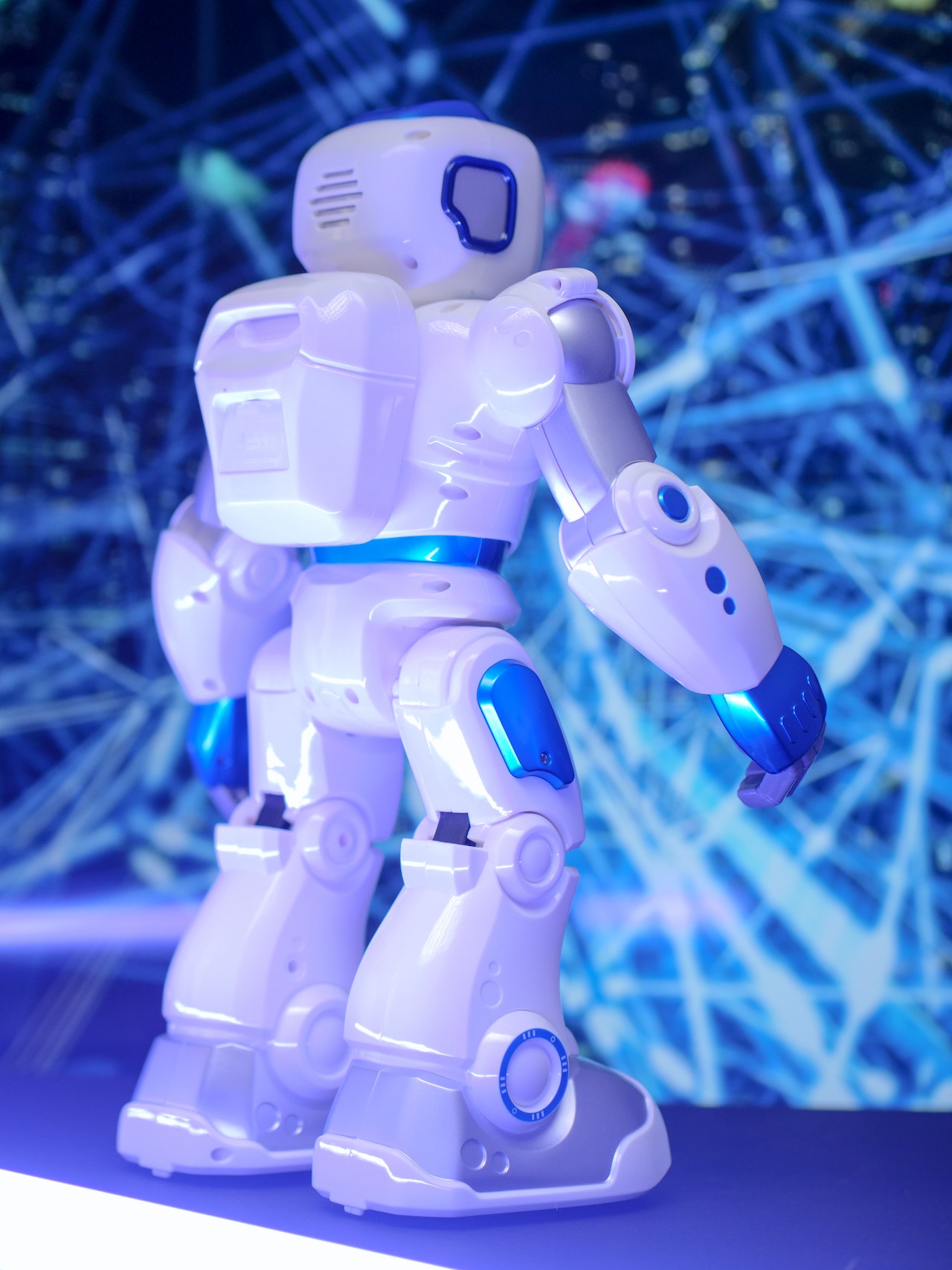
Okay, not quite. The Tin Man isn’t retweeting cat memes. Still, there are plenty of “bot” users on the platform: accounts run by software applications programmed to perform automated tasks, such as liking Tweets or sending direct messages (DMs).
You may have liked a post from a bot and not even noticed. In 2022, Twitter estimated fewer than 5% of accounts were bots, but despite this low number, research by digital intelligence provider Similarweb found these users still generated 20–29% of U.S. content.
Bots can be used for good. Some reply to customer service DMs, provide updates on news events, and Tweet kind messages. But others are programmed to perform nefarious tasks, such as spreading misinformation and infringing on users’ privacy.
Bad Twitter bots shouldn’t make you afraid to use the platform (though it’s wise to learn how to spot an account that might be dangerous). Keep an open mind – you may find some good bots’ functions helpful. Read on to learn what bots are on Twitter and how to stay safe and informed while using the app.
Twitter bots are automated accounts run by software rather than humans. They can mimic human users’ behavior by liking Tweets, following other accounts, leaving replies, and even sending DMs.
How do they do this? The short answer is through Twitter’s Application Programming Interface (API).
An API is a middleman between your device and the software you’re using. You can think of it like a touch-screen menu at a fast-food restaurant. Instead of barging into the kitchen and demanding your food, you place the order through the device, which assigns you a number and ensures the correct order gets to you. Similarly, a request for action on Twitter passes through the API server before reaching the application. When the app responds, it hands that response to the API, which delivers it back to you.
Access to Twitter’s API through the Twitter developer platform allows users to read and write the app’s data. This access includes the ability to program a bot to perform autonomous actions based on Twitter data.
Sometimes, it can be challenging to tell bots apart from real people. If a bot was created with harmful motives, like disseminating false information or trying to glean personal data, you might be at risk if you can’t spot this account as a bot. But often, you know you’re interacting with a bot, and it’s completely safe. For example, @tinycarebot is an automated account that Tweets gentle self-care reminders. Nothing sinister going on there.
Some bots are “helpers.” They assist you in performing simple tasks, such as scheduling posts ahead of time or following accounts that Tweet about your brand. Tools called “chatbots” handle more complex jobs, like answering basic consumer questions over DM so a person doesn’t need to field the requests. Bots that post useful weather updates or reTweet information about an emergency also fall into this category. Here are a few examples of helper bots:
Some bots are “neutral” in their intentions. For example, a company may use a bot to poll users and glean freely-given information to improve its offerings. Others Tweet enjoyable tidbits about topics such as painting, poetry and photography. Here are some examples of neutral bots:
Then there are “bad” bots created to scam or spam. At their least harmful, these bots can be annoying, tacking useless replies on Tweets. In more extreme cases, they attempt to steal your personal or financial information or interfere with elections.

It’s next to impossible to correctly identify every bot you come across and discern whether it’s good or bad. However, you can make informed guesses with the following tips:
The way bots impact social media is relatively new territory, even for experts. It’s only natural to have questions. Here are the answers to some common queries:
No. Some bots do good work or create entertaining content – there’s nothing illegal about that. Illegal bots try to steal personal information or phish for payment details. While being alert in your social media interactions is important, these bad apples don’t account for all bots.
You can block or mute accounts you believe are spam bots, just like you would a human-run account. Simply head to the bot’s profile, click on the three dots in the top right corner, and select “Mute” or “Block” from the pop-up menu.
According to this 2020 post on Twitter’s blog, the app considers bots malicious if they try to change public opinion, promote fake engagement, behave aggressively, and generate spam or cram hashtags.
In 2018, Twitter undertook a massive initiative to remove malicious bot accounts and suspend those offering spammy content. They’ve since cited a drop-off in these bots.
In the constantly changing tech landscape, it’s important to stay on top of the latest developments to better understand how your apps work.
Linktree can help. On our blog, you can learn how to improve your experience on Twitter by clearing your history, removing followers, making your account private, and getting verified. And don’t neglect your Twitter bio. It’s the perfect place to give followers a better look at your personal or professional brand across the web. Adding a Linktree to your bio allows you to link out to other platforms like Instagram, TikTok, and a personal website, all in one place.