Learn how Instagram bios work, why they’re important and how to change yours on your mobile or desktop device.
Learn how Instagram bios work, why they’re important and how to change yours on your mobile or desktop device.
It’s one of life’s greatest challenges: making a captivating impression within a restricted character limit. Maybe that’s a bit of an exaggeration, but being brief yet descriptive isn’t always easy. Nevertheless, it’s a task that any social media user will have to take on at some point.
Instagram is one of the world’s most popular social media platforms, with around 1 billion monthly active users, making it the place to see and be seen – literally. The Instagram app, which is focused on image and video content, is meant for posting pictures of that unforgettable slice of pizza you ate on vacation or a video on the latest and greatest product your company launched. It’s a social media outlet that’s easy on the eyes, so to speak.
Whether you’re an individual connecting with friends and family members or a business using Instagram as part of your social media strategy, you simply can’t leave your bio blank. Your bio tells your followers what you’re all about. For brands, specifically, it’s an opportunity to invite your audience to check out what else you’re doing on the web, generate leads, and make sales.
Now’s no time to sleep on your Instagram bio, so let’s talk about how to make a great one.
Bios are the Instagram profile descriptions that appear under your photo on your account page. You can include a 150-character blurb about yourself or your business and add hashtags or tag other accounts to this text. This is a pretty important space because the information in your bio is visible even if your profile is private. So, any Instagram user can see what you display here. We see this as an opportunity to connect with new followers, potential customers, or even old friends.
Both personal and professional accounts can include a link in their bio. You can use this space to redirect your followers to your YouTube channel, podcast, other social media platforms, e-commerce site, and beyond. Can’t pick just one site? Dropping in a Linktree URL gives you the opportunity to branch out to up to five different links, allowing viewers to easily access the entirety of your online presence.
Instagram business accounts also have access to additional bio features that make your company’s life a bit easier. These include reservation and booking buttons and the ability to add contact information and a physical address.
Not quite ready to learn how to add a bio to your account because you’re still figuring out what to say? Here are some tips for writing a standout 150-character blurb before you make a major Instagram bio edit or create a new one.
While bios can be fun, they aren’t just for fun. Here are some reasons you should spend some time crafting the perfect one.
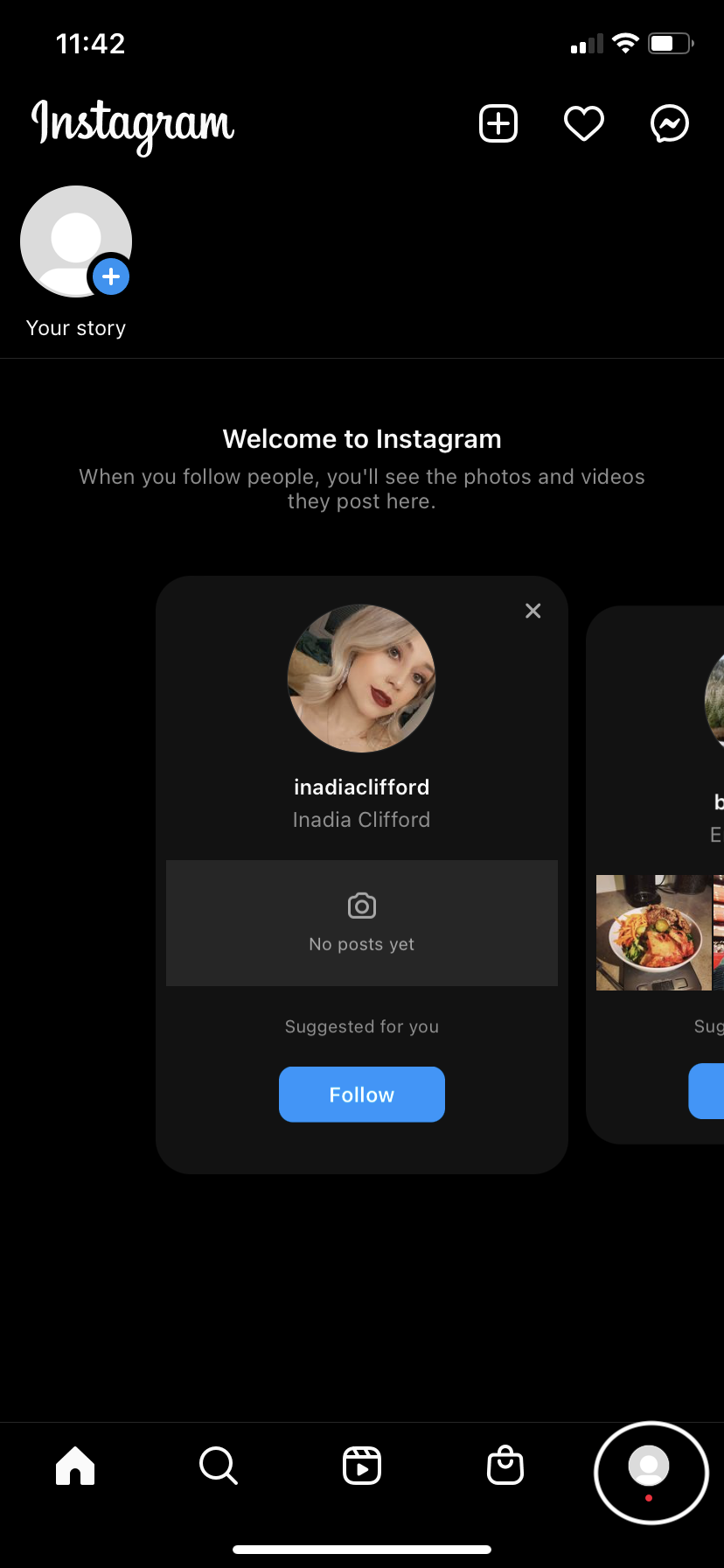
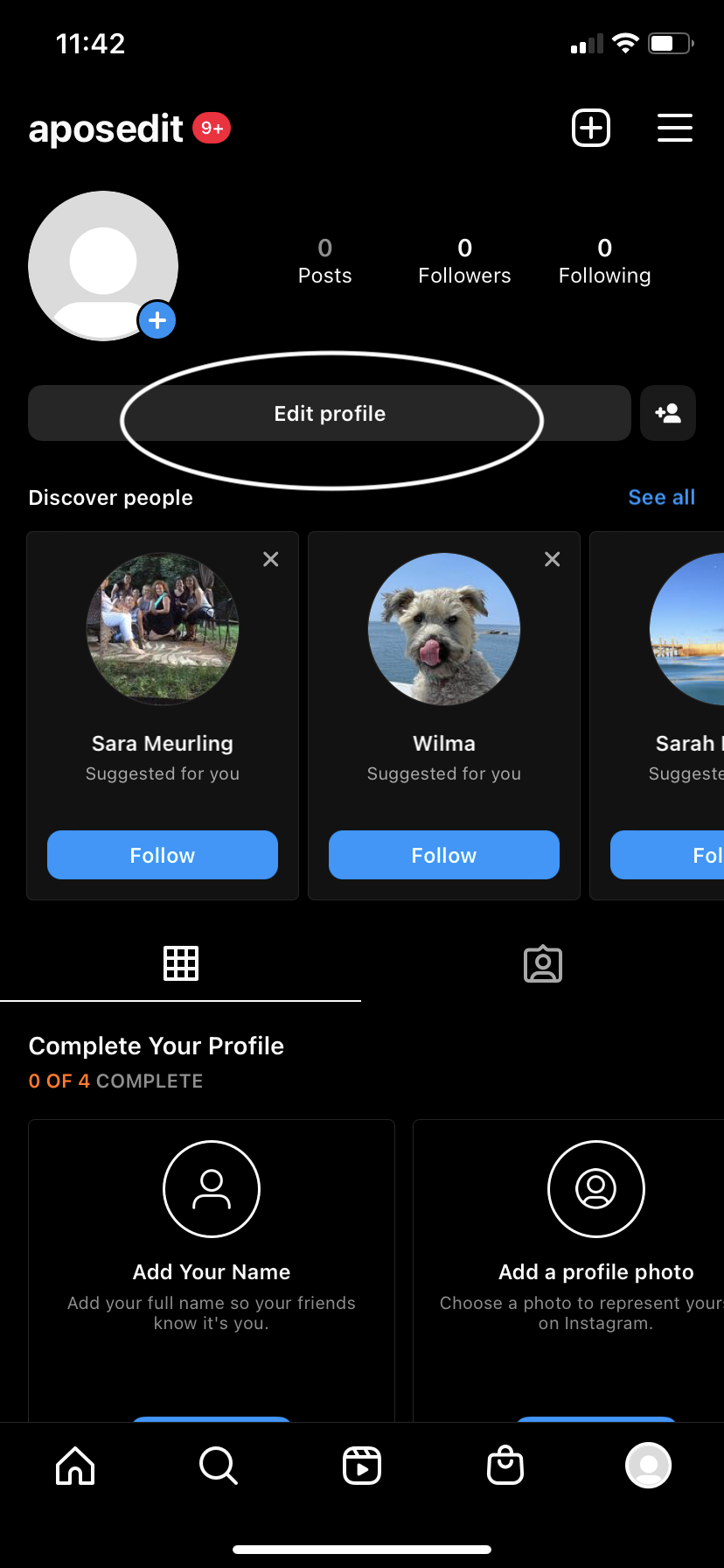
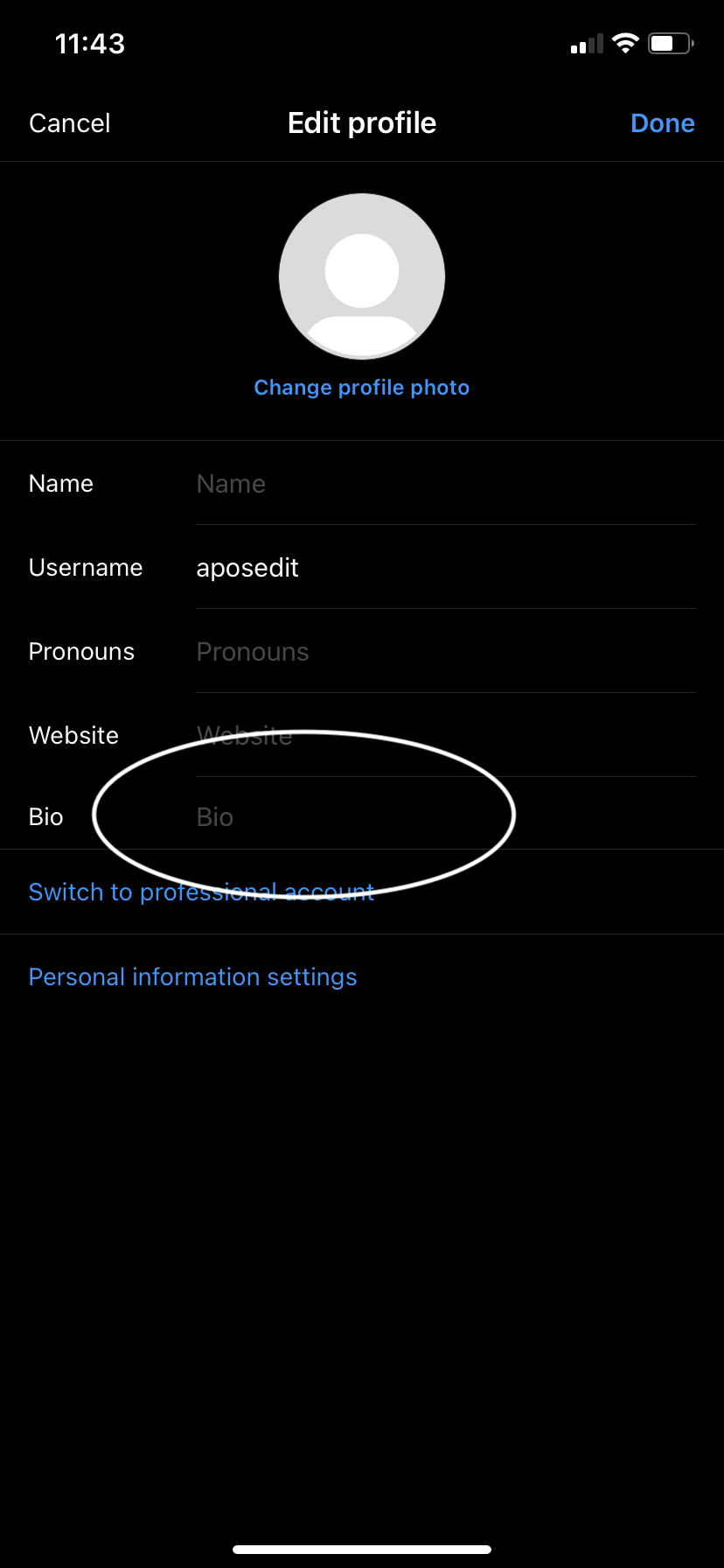
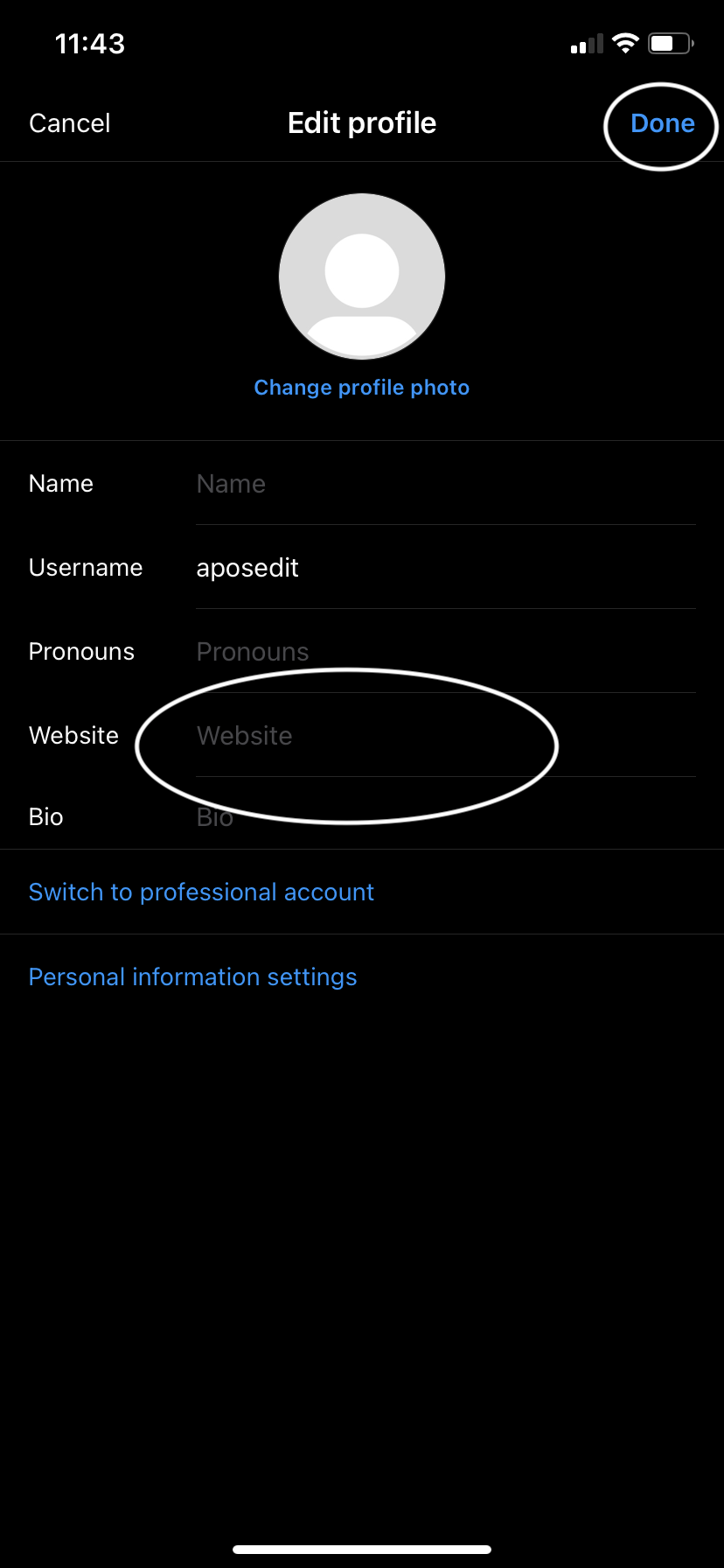
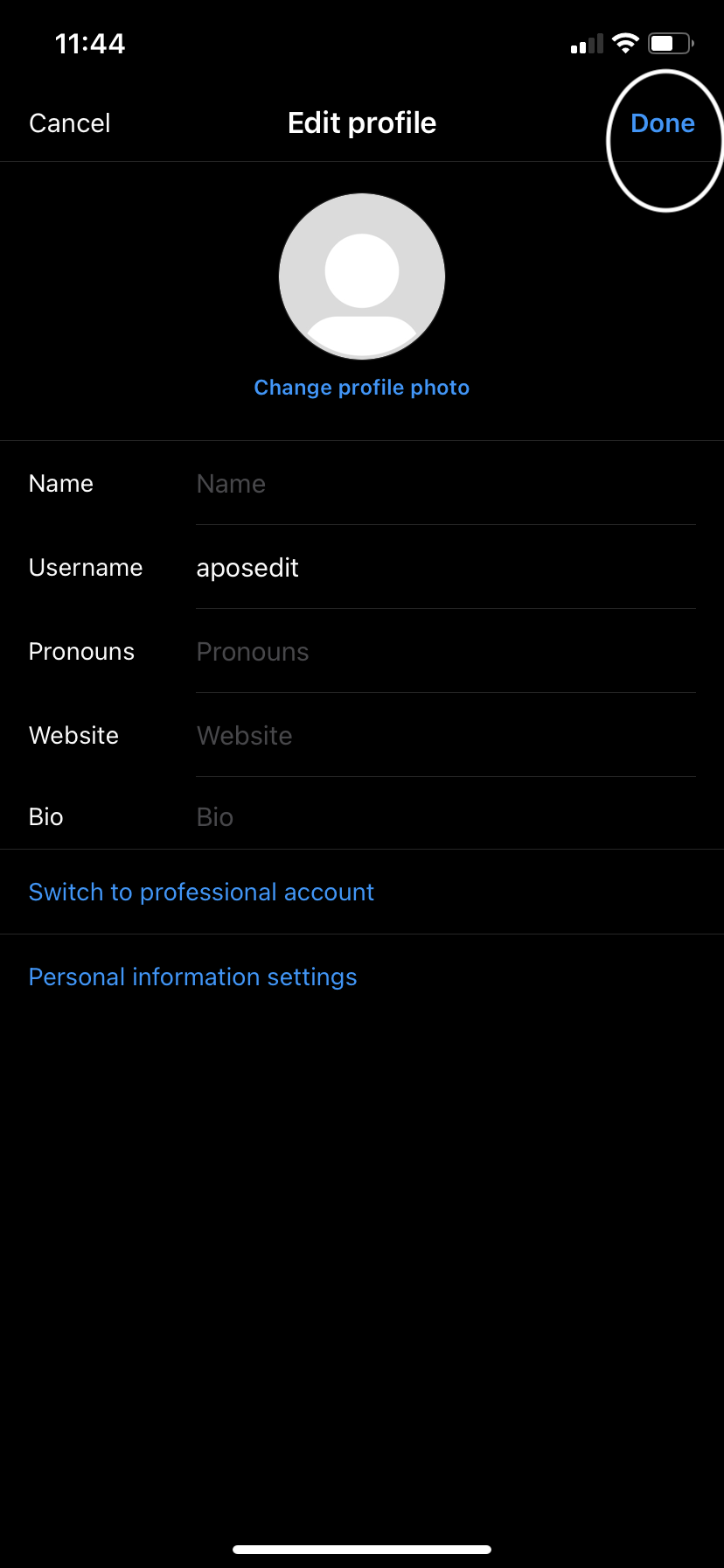
Once you’ve thought of the perfect 150-character description of yourself or your business, it’s time to make it a (semi-) permanent feature of your Instagram account. Here’s how to add a bio on Instagram:
If you prefer to use your Instagram account from the comfort of your desktop, we totally understand. The pictures are larger, and you can toggle back and forth between the other web pages you have open. Here’s how to edit a bio on Instagram for desktop: