Learn how to add original audio to your Reels video and why you should use this popular video format on Instagram.
Learn how to add original audio to your Reels video and why you should use this popular video format on Instagram.
Instagram’s Reels feature offers such a mixed bag of eye-catching videos that you can sit down planning to scroll for just a few minutes, only to realize hours later you’ve gotten sucked into a travel hacks rabbit hole. So what gives Reels their magic? They’re built to entertain, and they’re short enough to keep the attention of even the most easily distracted viewers. Plus, the editing features on the Instagram app make it easy for iPhone and Android users alike to add music, special effects, stickers, and smooth transitions. You can record your trademark cannonball at the pool in slow motion or film a sped-up cooking vid that makes your knife skills look sharper than the stars’ on Top Chef. Still not sure if Reels are for you? Trust us – you can make a Reel of just about anything. So whether you’ve got a business you want to promote or just want to showcase some quirky skill, Reels make it easy to become a content creator. Think about what kind of video clip you’ll record, and read on to learn how to use original audio on Instagram Reels. Why make splashing pool water the soundtrack of your epic cannonball video when you can get more laughs with a funny voice-over?
You’re not limited to using your own music or audio clips on Reels – you can quickly add music right from Instagram’s library too. But when the in-app options don’t cut it, here’s how to upload original audio to reels: 1. Log into your Instagram account and click the Create button (the plus sign in a square) in the upper right-hand corner of the screen.
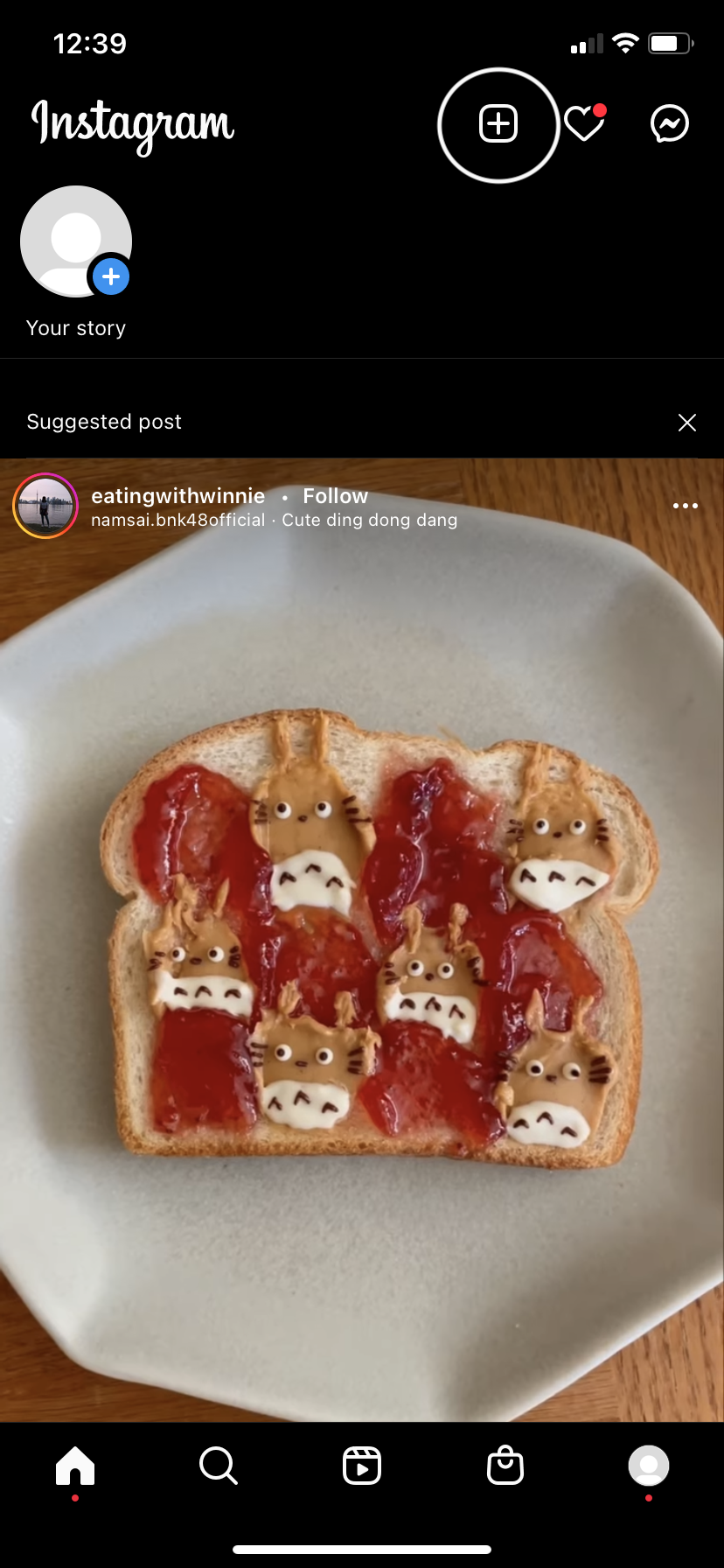
2. On the bottom of the screen, select the Reel option.

3. Before or after you’ve recorded your video, click on the musical note in the menu on the left-hand side of the screen.
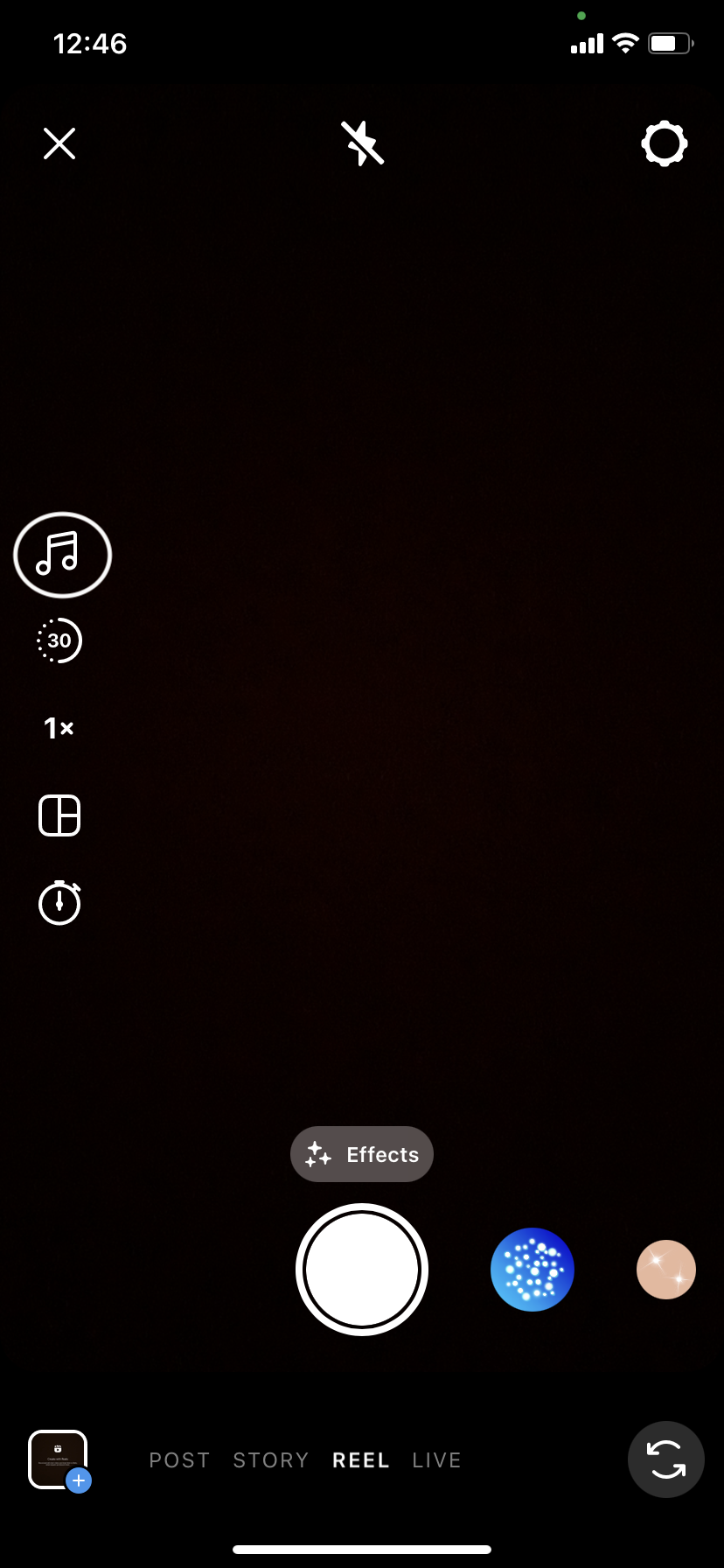
4. If you’re in a hurry, use audio from Instagram’s music library. Or click Import to search for your own music or audio from a recent video.

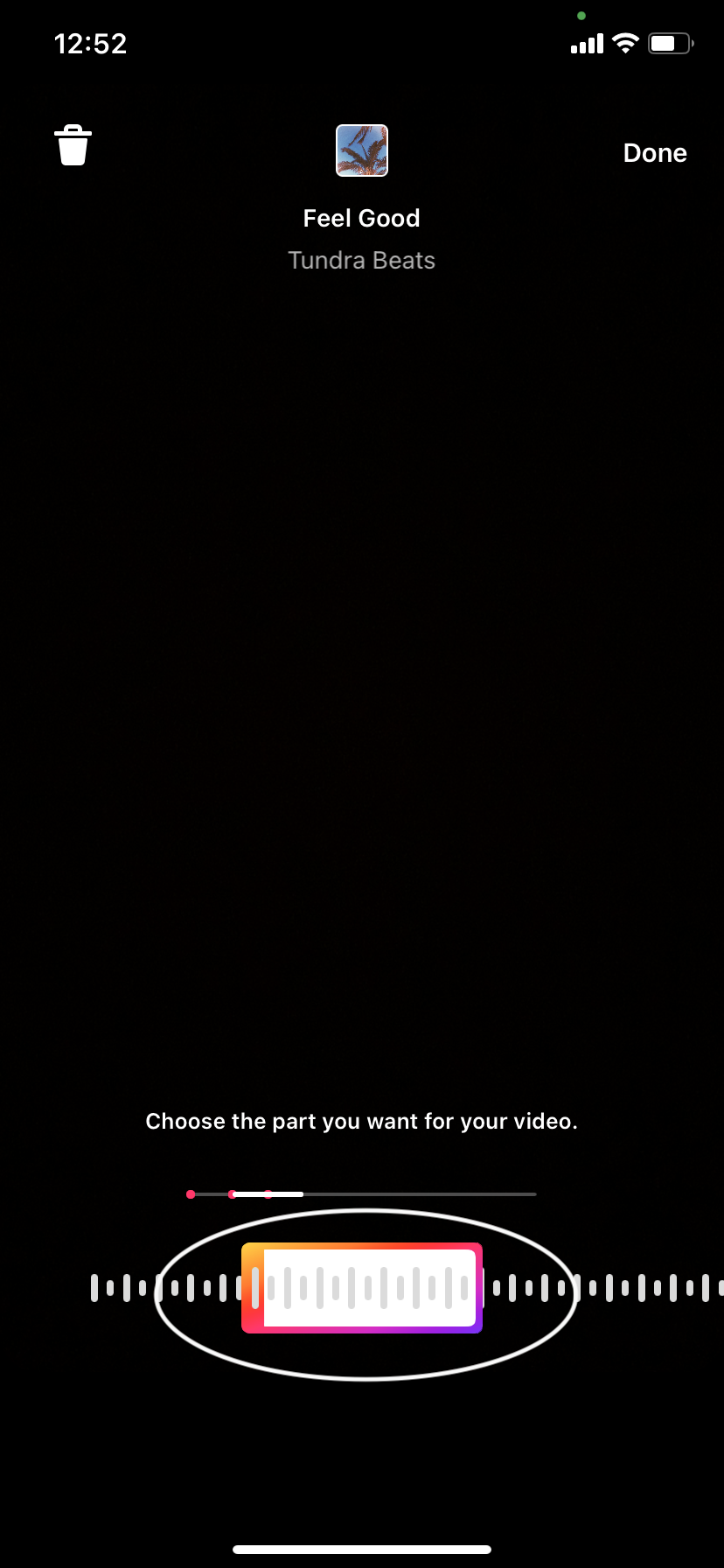
5. Choose the part of the song or audio file you’d like to play during your video. If you use your own clip, your video will say “Original Audio.”
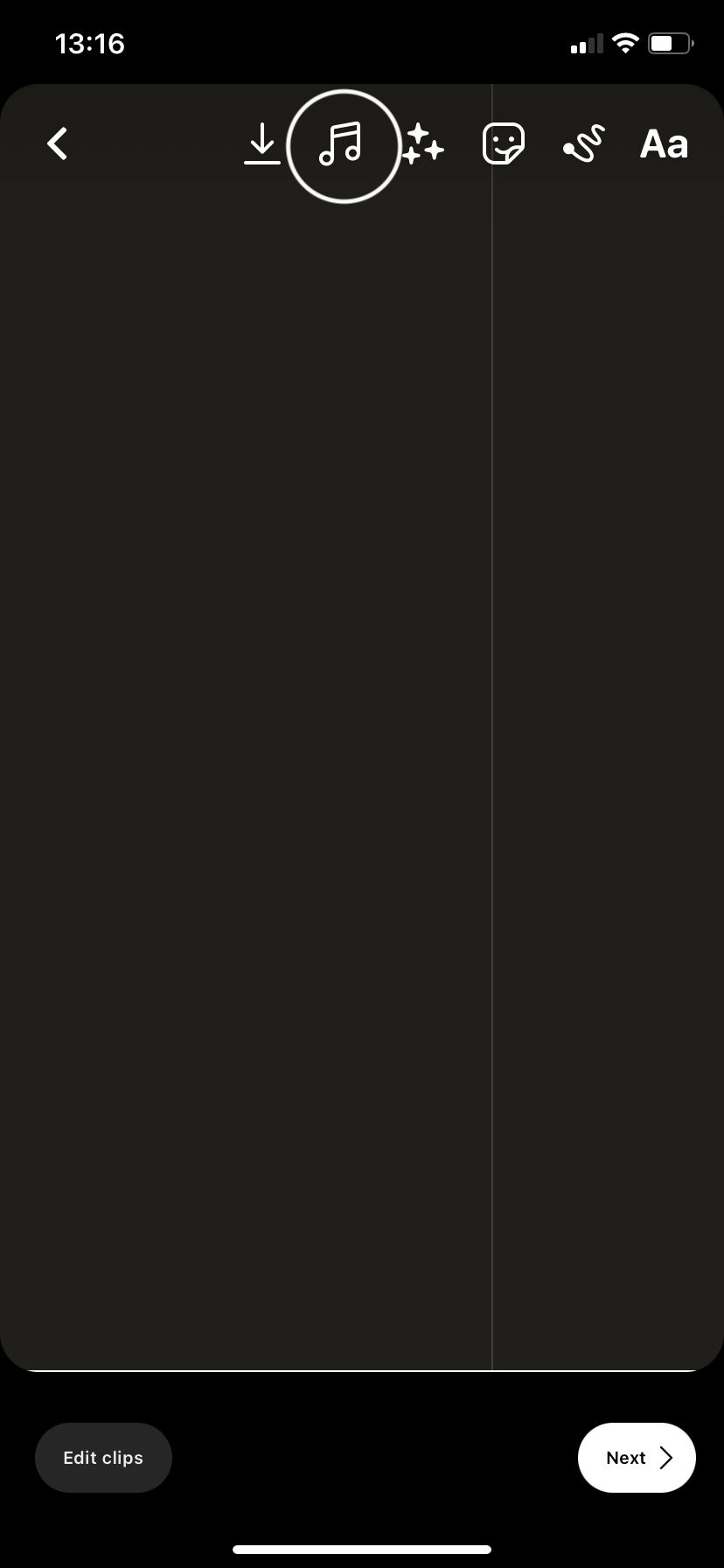
You can also make new audio clips or mix existing ones when making a Reel. After following the steps above, click Next at the bottom of the screen to save audio. Then, on the following screen, make your final edits, like adding voiceover or special effects to your chosen track.1. Click on the audio icon (the music note) at the top of the screen, and then select the Voice Over or Special Effects option at the bottom of the screen. If you choose Voice Over, you can record whatever you’d like by clicking on the red button. If you decide to add a special effect, pick one from Instagram’s library. When you’re finished, click Done.
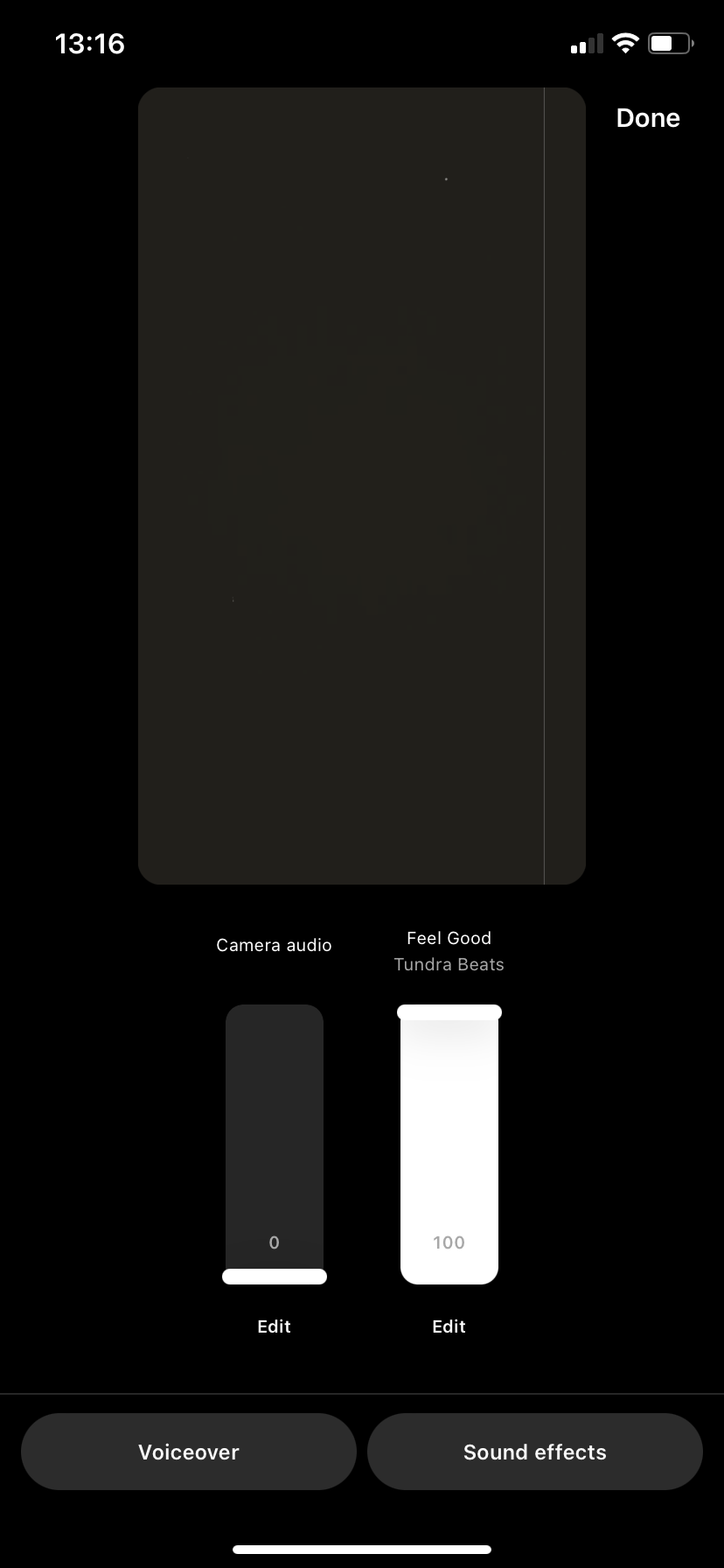
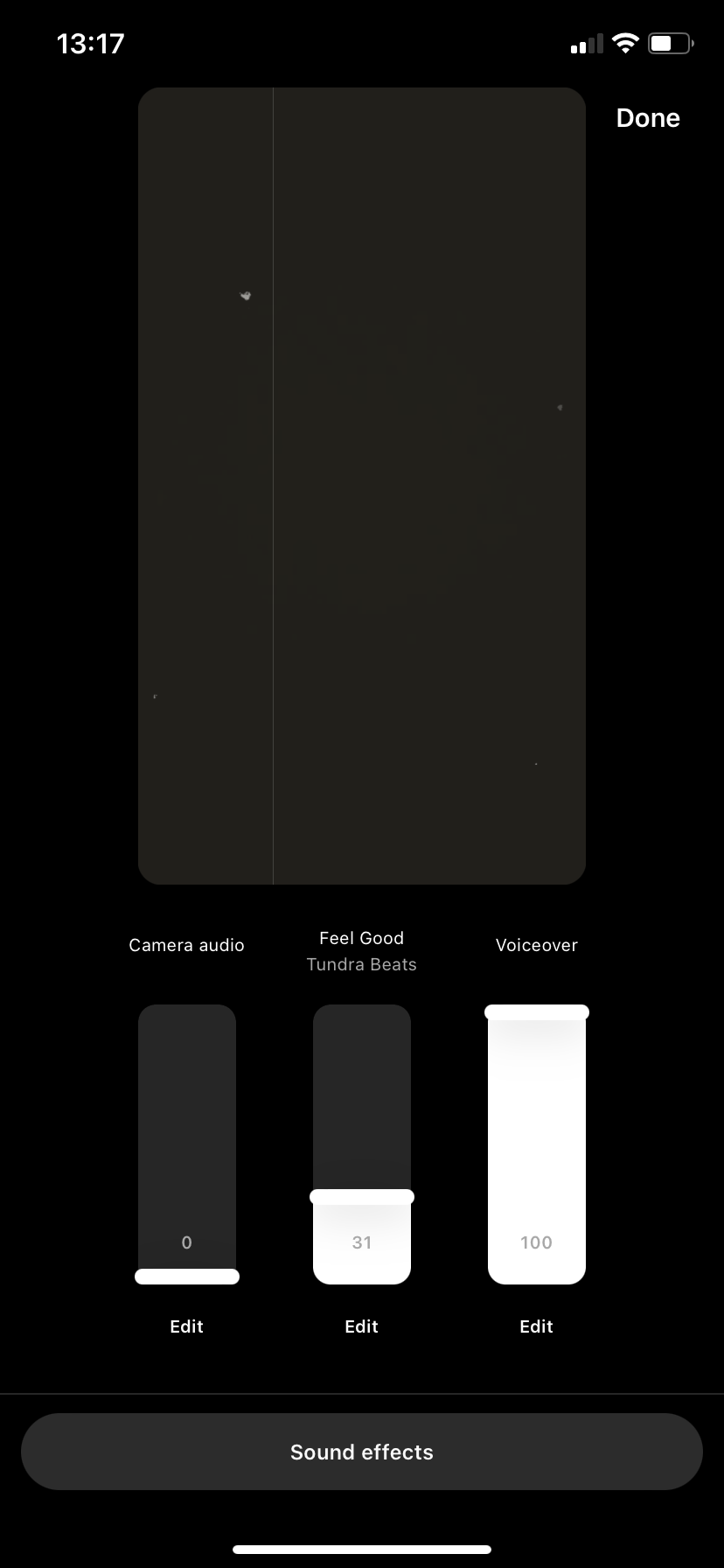
2. Now use the sliders for the different audio sources to adjust how loudly each plays until you get your mix just right.
Be honest – what’s your attention span on social media? A few minutes? A couple of seconds, even? That’s normal. Like Instagram stories and other short media, Reels are trending because short video content is highly watchable. Some viewers may have the stamina for a long video, but when you just want to zone out for a bit and enjoy cat antics and travel tips, Reels’ 15- to 90-second lengths is the perfect fit.And since Instagram has been pushing the Reels to feature by giving it more screen space, Reels are easy to find on the Explore tab at the bottom of the screen or right in your feed. So if you want to go viral or promote your brand, spend some time developing this popular, easy-to-watch content.
Nine out of ten people report watching video content on Instagram every week. With around 1 billion monthly users, that translates to roughly 900 million people who love Reels. That’s a whole lot of viewers for your newest video clip. Remember that some of the internet’s biggest names made a splash with just one video. They’re now recording music videos, hitting the red carpet, and starring in reality TV series. So what’re you waiting for? Start getting some exposure – and make people happy with your content while you’re at it. As you start gaining a loyal Instagram following, leverage your IG fame to get viewers to check out your content elsewhere. Just drop a link in your bio to your other social platforms or content on the web. If you want to link out to multiple places, use a Linktree URL, which will redirect your viewers to up to five different locations.